In this guide
- The current Phoenix example has two years in view
- Name the action before finding its deadline
- Build one record per action
- Worked hypothetical: a current event during fall planning
- Distinguish election time from documentation time
- Use official time, not your device’s assumption
- Keep private documents out of planning tools
- End with two explicit completion tests
- Sources and limits
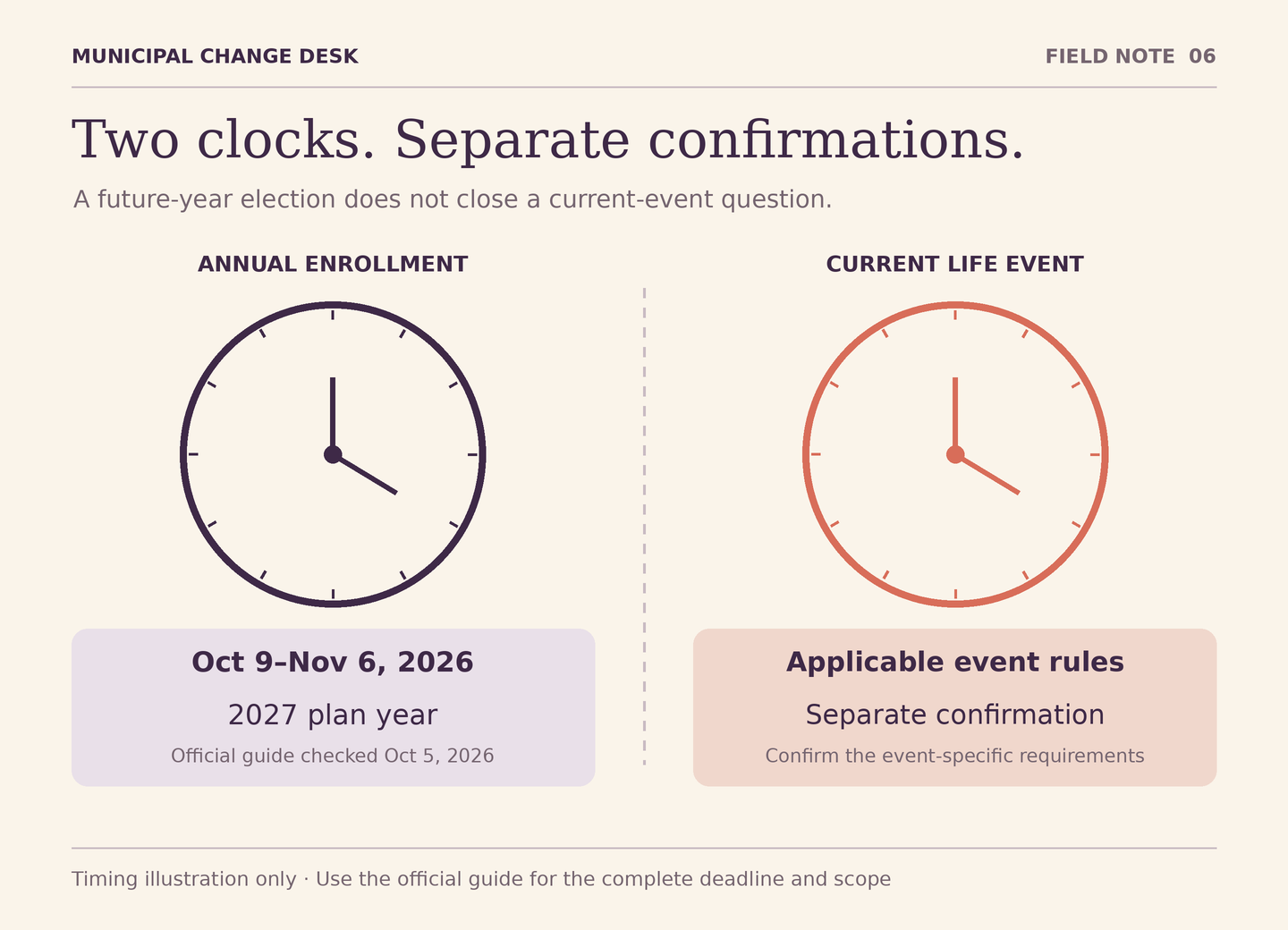
A guide published this fall may describe next year’s benefits. A life event happening now may need action under a different timetable. Put both clocks on the page before relying on either.
The current Phoenix example has two years in view
When checked October 5, 2026, the City’s active-employee benefits page listed both 2026 resources and a 2027 annual-enrollment section. The 2027 Employee Benefits Guide states that annual enrollment runs October 9 through November 6, 2026, ending at 11:59 p.m. MST, while the guide’s plan highlights take effect January 1, 2027.
Those are different dates with different jobs. As of this article’s check date, that enrollment period is upcoming. The guide’s availability does not make 2027 coverage rules apply to a 2026 event. Recheck the official page when acting; this dated article is not a live enrollment notice.
Name the action before finding its deadline
Write what you need to do: make an annual election for a specified year, report a possible qualifying event, supply requested documentation, or verify a submitted request. These actions can be related without being interchangeable. A calendar reminder titled “benefits” is too vague to show which one is complete.
For a possible life event, identify the event and affected coverage privately, then use the official resources to establish what applies. Do not assume that every change of department, work schedule or household circumstance opens the same election opportunity. Eligibility, permitted changes and documentation need their own confirmation.
Build one record per action
Each record needs the action, relevant event or plan year, applicable source, required completion evidence and unresolved question. Add a deadline only after finding the current rule for that action. Keep its time zone and whether it is expressed in calendar days or another basis. If the rule is not clear, ask promptly through the official channel rather than choosing the longest period you find.
The City’s Qualified Life Events Chart is marked effective January 1, 2025 and remained linked on the check date. It organizes event-related changes and supporting documentation by circumstance and coverage type, with additional retiree conditions. Its existence is a reason to inspect the applicable row, not to apply a single generic deadline to everyone.
Worked hypothetical: a current event during fall planning
Imagine an active employee reviewing next year’s options in October 2026 while also experiencing a household coverage change. The event is hypothetical; this article does not determine whether it qualifies or what election it permits.
The employee creates two separate questions. The first asks which official steps and documentation apply to the current event and current coverage period. The second concerns annual elections for 2027. They locate the event materials and the upcoming-year guide separately, then seek clarification where the personal facts matter.
If an annual election statement is available later, the employee does not treat it as proof that the current-event request was accepted. If the current-event request is confirmed, they do not assume next year’s election is therefore complete. Each record is closed only with evidence relevant to that action.
Distinguish election time from documentation time
A request can involve both making an election and providing evidence. Read the applicable instructions for each. Do not wait for every document to arrive before asking what must be done now, and do not assume submitting a form excuses a missing document. The official process must resolve the timing relationship.
The 2026 guide’s Enrollment Policies section directs readers to the event materials for midyear changes. It is a plan-year summary, not the complete governing contract. Where documents appear inconsistent or your circumstances do not fit the summary, identify the exact sections and ask the Benefits Office through its verified current route.
Use official time, not your device’s assumption
The upcoming annual-enrollment guide explicitly uses MST for its stated closing time. Preserve that label when making a reminder, especially if you are traveling or your device uses another zone. A personal reminder should be early enough for your own preparation; it must not be presented as a new official deadline.
Likewise, record a source’s effective date separately from the date you downloaded it. A newly saved copy of a 2026 guide remains a 2026 guide. A file named “Active Benefit Guide” can change contents over time, so retain the document title, plan year and relevant page reference in your own appropriate records.
Keep private documents out of planning tools
A useful planning note can say “documentation requirement needs confirmation” without including medical information, dependent names, identity numbers or a certificate. Send required evidence only through the verified official method. Municipal Change Desk does not receive documents, inspect accounts or submit elections.
If a question requires personal facts, keep the public-source question short and ask how the official recipient wants those facts provided. Do not attach a complete family or financial record merely to ask which guide applies. Verifying a benefits request explains how to follow up without guessing from an incomplete status signal.
End with two explicit completion tests
For the annual action, identify the official record showing the intended year and elections, together with any remaining requirements. For the current event, identify the confirmation relevant to the event, affected coverage and effective date, with any unresolved documentation or review clearly noted. A personal checklist is useful only if it points to those official records.
The important outcome is not memorizing every date in a guide. It is preventing one action’s date or receipt from being used to justify another. Keep the clocks distinct, consult the applicable official documents and resolve uncertainty before relying on a coverage assumption.
Sources and limits
Public sources checked October 5, 2026. Editorial examples are hypothetical; official instructions and case-specific decisions remain with the responsible City service.
- City of Phoenix Benefits and Wellness for Current Employees
Official active-employee resource index contained both 2026 materials and a 2027 annual-enrollment section on October 5, 2026.
- City of Phoenix 2026 Employee Benefits Guide
Plan-year 2026 summary. Relevant sections: When to Review This Guide (printed page 3), Enrollment Policies (page 8), and How to Enroll (page 46). Governing plan documents prevail.
- City of Phoenix 2027 Employee Benefits Guide
Upcoming plan-year 2027 guide already published by October 5, 2026. Printed pages 3–4 distinguish the October 9–November 6, 2026 enrollment period from January 1, 2027 plan effectiveness; page 48 discusses the election statement.
- City of Phoenix Qualified Life Events Chart
Chart marked effective January 1, 2025, still linked from the current benefits page when checked. Event, coverage type, documentation and retiree conditions differ; not a personal eligibility determination.